How to Redeem Button Battles Codes
Know the redeem flow before a code drops—and stay honest about the empty list as of November 2026.
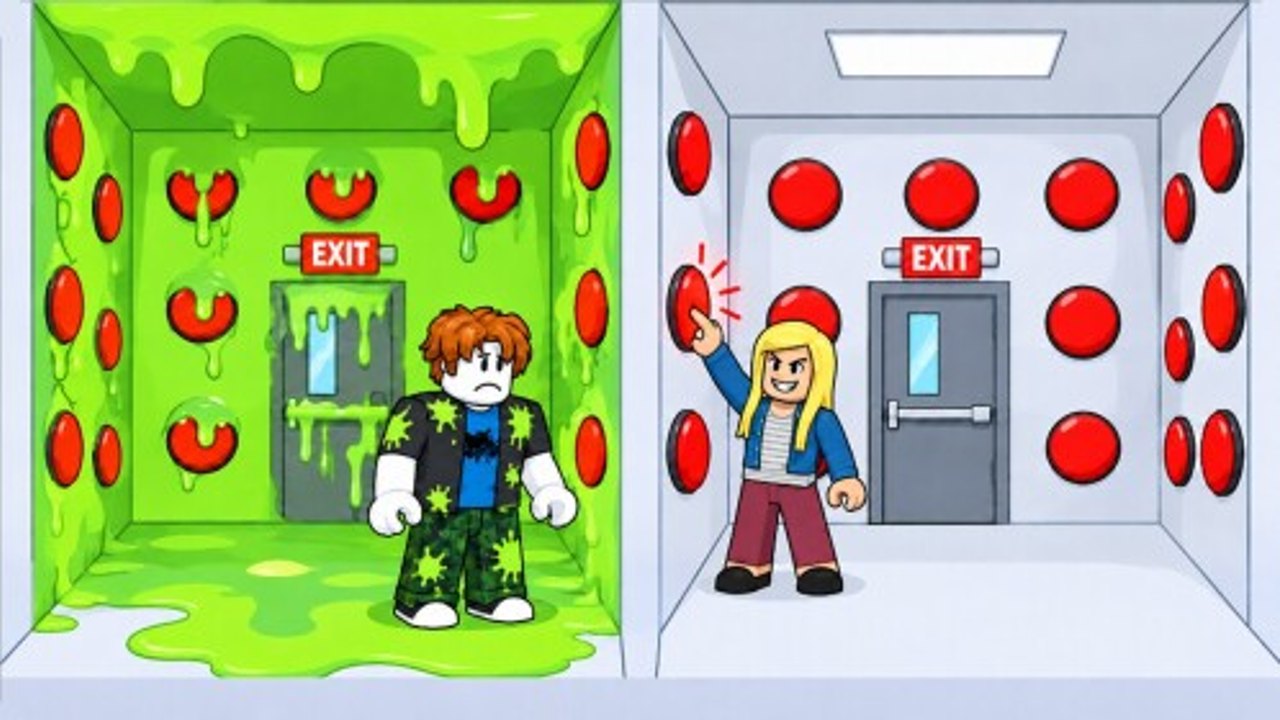
Promo codes are one of the first things Roblox players search when they join a new Party & Casual hit. For Button Battles by Triumphant Jeamus, that search currently comes back quiet: as of November 2026 research, there are no confirmed public promo codes. This page still matters. When the developers ship a code, you want a clean redeem checklist, troubleshooting steps, and a habit of verifying lists on the Codes Hub instead of random social screenshots.
Use this guide alongside Getting Started for the wider lobby loop and Updates for patch notes that sometimes mention rewards.
Current codes status (November 2026)
Be skeptical of any site inventing Button Battles codes. Our research pass found no verified active list tied to this experience. That means:
- Do not waste time typing guesswork strings into random menus.
- Do not trust image macros that recycle codes from unrelated “button�?games.
- Do check this wiki’s Codes page after major updates, milestones, or group events.
When a real code appears, we will document the reward and any expiry notes on the hub. Until then, earn progress through matches, steals, shop buys, and group claims such as Floor is Lava and Popsicle.
Why redeem pages exist before codes do
Roblox experiences often add a codes booth, Twitter/X icon, shop tab, or settings field weeks after launch. Players who already know the UI path redeem in seconds. Players who scramble lose limited drops. Learning the expected flow now is free preparation.
It also protects you from phishing. Fake “redeem�?Discord bots and off-site forms steal passwords. Real codes redeem inside Roblox in the official Button Battles experience—not on a sketchy website asking for your account.
Expected redeem flow when codes launch
Exact UI labels can change, but Roblox code redemptions usually follow this pattern. When Button Battles adds codes, walk this checklist:
- Launch Button Battles from the official Roblox page and wait for the lobby to load fully.
- Look for a Codes button, shop tab, gift icon, Twitter/X icon, or settings gear that opens a text field.
- Click the field and type the code exactly—codes are often case sensitive.
- Submit with the on-screen Redeem / Claim / Enter control.
- Confirm the reward toast or inventory change before leaving the menu.
- Write down what you received so you can compare with the Codes Hub entry.
If the UI differs after a patch, re-check Updates and this page’s notes.
Typing rules that prevent false “invalid�?errors
- Copy-paste when possible, then delete accidental spaces.
- Match capitalization.
- Do not add punctuation the list did not show.
- Try once; spamming submit rarely helps and can throttle menus.
- Restart the experience if the codes UI was added while you were already in a long session.
Mobile players should watch the autocorrect bar—phones love “fixing�?code strings. Disable autocorrect in the field if your keyboard allows it. Input comfort tips also live on Controls.
What to do while there are no codes
Your progression does not need promos:
- Queue free stations and learn boxes via Modes.
- Win cleanly with How to Win habits.
- Avoid trap taxes with Avoid Traps.
- Convert lobby pressure through Steal Cash.
- Spend deliberately using Shop and Shop Items Tier List.
- Claim group rewards on a routine schedule.
Codes, when they exist, are accelerators—not the core loop.
Fake code scams to ignore
Watch for these red flags:
- “Enter your password to unlock the code vault.”
- Links that leave Roblox and ask for cookie/login details.
- Lists that mix Button Battles with unrelated experiences�?codes.
- “Unlimited cash codes�?that require a script executor first.
Third-party scripts are a separate topic with their own risks—see Scripts and How to Use Scripts. A loadstring is not a promo code.
How this wiki will list codes later
When verified codes appear, expect the Codes Hub to show:
- The exact string
- Known rewards
- Active vs expired status
- Date checked
This how-to page will stay focused on the redeem steps and troubleshooting. Bookmark both.
Troubleshooting checklist
Code invalid: Confirm spelling, case, and that the hub still marks it active. Server delay after a drop is common—wait a minute and try once more.
No codes button: You may be in a match instead of the lobby, on an outdated client session, or looking before the feature ships. Return to lobby UI and update Roblox.
Reward missing: Rejoin the experience, check inventory/tools menus, and confirm you redeemed on the correct account.
Only works for some players: Some drops are group-only, new-player-only, or region-timed. Read the hub notes instead of assuming a global grant.
After a successful redeem
- Note the reward.
- Decide whether it changes your shop plan.
- Rejoin a free 1v1 or 2v2 station while the lobby is warm.
- Share the find with teammates so they redeem before expiry—without linking phishing mirrors.
For broader wiki navigation after rewards, use Guides, Tier List, Players, Tools, and the Wiki overview.
Honest expectations
Button Battles launched around mid-October 2026. Many experiences take time to add a codes pipeline. The absence of codes today is normal, not a broken page. We would rather publish an empty verified list than invent strings that waste your time.
Check back after events, milestone player counts, or holiday updates. Until then, master the boxes—the real currency engine of Button Battles—and keep this redeem path memorized for the day a real code lands.
Frequently Asked Questions
Quick answers for Button Battles players.
Are there any working Button Battles codes right now?
As of November 2026 research, there are no confirmed public promo codes. Treat random social lists with skepticism and recheck the Codes hub after updates.
Where will I redeem codes when they exist?
Inside the official Button Battles experience on Roblox—typically via a Codes button, shop tab, or settings text field in the lobby UI—not on third-party login sites.
Why did my code say invalid?
Common causes are expired codes, wrong capitalization, extra spaces, redeeming outside the lobby, or using a code from a different game.
Can scripts replace codes?
No. Executors and loadstrings are unrelated to official promo codes and can risk account penalties. Use the Scripts pages only for risk-aware education.
What should I do for rewards without codes?
Win rounds, steal when marked, spend in the shop with a plan, and claim group rewards like Floor is Lava and Popsicle when eligible.